
Vendor Management for Travel Agencies
Manage every DMC, hotel supplier, airline consolidator, transport operator, guide, and visa agent — with GSTINs, bank accounts, payment terms, bills, payments, and ledger history in one place.
Direct answer
Vendor master
The vendor master is the canonical record for every supplier your agency works with: DMCs, hotels, airlines, consolidators, transport operators, visa agents, guides, activity vendors, and forex partners.
- •Vendor name, display name, phone, email, address, city, state, and notes
- •Active / inactive lifecycle so old vendors stop appearing in new work without losing history
- •Payment terms such as Net 15, Net 30, or custom terms
- •Opening balance when migrating payables from Tally or spreadsheets
- •Delete protection when a vendor already has bills, payments, ledger lines, or quote references
GST, PAN, and state
Vendor GST details are stored on the vendor profile so purchase invoices and Input Tax Credit do not depend on memory or spreadsheets. If a vendor is GST-registered, GSTIN is required. The PAN and state code are derived from the GSTIN.
- •GSTIN format validation
- •PAN auto-derived from the GSTIN and checked for mismatch
- •State code auto-derived from GSTIN for GST split context
- •Duplicate GSTIN protection within the same agency
- •GST fields hidden where the agency's GST setup says they are not relevant
Bank accounts
Vendors can have multiple bank accounts. That matters because supplier payments should hit the real bank ledger used in the transfer, not a vague default account.
- •Multiple bank accounts per vendor
- •Primary bank account flag
- •IFSC validation for Indian accounts
- •Account number masked to last four digits in the UI
- •Soft-delete history so old bank details do not vanish from audit context
Service tags
Service tags capture what a vendor supplies: flight, flight extras, hotel, land package, visa, transport, train, bus, activity, fooding, admission, insurance, or forex. MoonTrip silently updates these tags when a vendor is used on a quote, booking assignment, finalize flow, or vendor bill.
Bills and payments
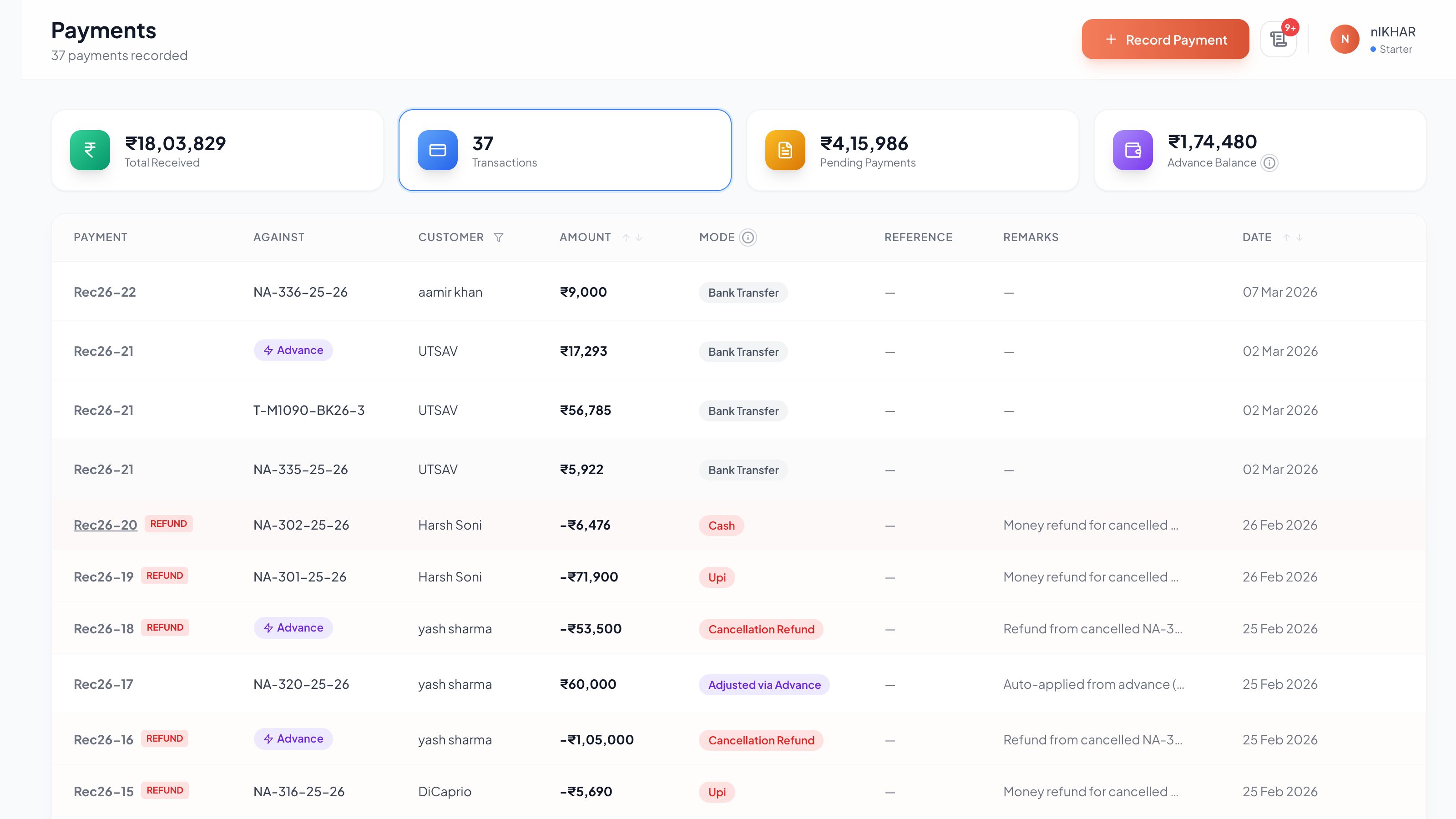
Vendor profiles connect directly to bills and payments. Agents can view open bills, record bank-aware vendor payments, allocate one payment across multiple bills, and open the payment detail later to see exactly what was cleared.
- •Multi-line vendor bills for DMC invoices covering hotel, transport, activities, and other services
- •Multi-bill payment allocation with running allocated and unallocated totals
- •Cash mode auto-resolves to the agency's cash account; bank modes require a bank account
- •Void action captures a reason and posts reversal journals instead of erasing history
Ledger statement
Every vendor gets a running ledger under Sundry Creditors. The statement shows opening balance, purchases, payments, voids, credit notes, debit notes, totals, and closing balance for the selected period.
- •Tally-style Date / Type / Particulars / Voucher / Dr / Cr / Balance view
- •Rows for purchases and voids open the source bill
- •Payment rows open the payment detail with allocation breakdown
- •Date range defaults to the current Indian financial year
- •Useful for vendor reconciliation calls and audit review
Where vendor data flows
Vendor data is reused across the operating system. Assign a vendor on a quote or booking, use it in a vendor bill, pay it from a bank account, and the ledger and trip-wise profit all stay connected.
- •Quote Builder: attach vendors to service rows
- •Booking page: assign or change a vendor per service before finalizing cost
- •Vendor bills: post actual supplier cost against the right vendor ledger
- •Payments: allocate supplier payments to one or more bills
- •Trip P&L: actual vendor costs feed booking profit by service line
FAQ
Can I create a vendor while making a quote or bill?
Yes. Vendor pickers support quick creation where the agent captures the minimum supplier details, selects the new vendor, and continues the current workflow.
Can one vendor have multiple bank accounts?
Yes. Vendors can carry multiple bank accounts with one primary account. Payments still record the actual bank account used for that transfer.
What happens if a vendor becomes inactive?
Inactive vendors stop appearing as the default choice in new work, but historical bills, payments, and ledger entries remain intact.
Does vendor management replace vendor accounting?
Vendor management is the master-data layer. Vendor accounting is the financial layer. In MoonTrip they are connected: the vendor profile, bills, payments, opening balance, and ledger statement all live under the same vendor record.
Related Guides
Stop calculating manually
MoonTrip automates GST, invoicing, and profit tracking for Indian travel agencies.
Get Started Free